
SOLIDWORKS Desktop Suite
Go beyond design with a powerful set of desktop solutions that turn drawings into real products.
Get Pricing Sent to You Today
While you are waiting, check out our Resource Center or read our Blog!


Make CAD the Heart of Your Design Process
For over thirty years, SOLIDWORKS has been shaping what’s next for engineers and designers, making it the industry standard for CAD.
The SOLIDWORKS desktop suite puts 3D CAD at the heart of your design-to-manufacturing workflow, connecting all your tools in one integrated ecosystem of design, analysis, data management, and more.
See the full suite below.
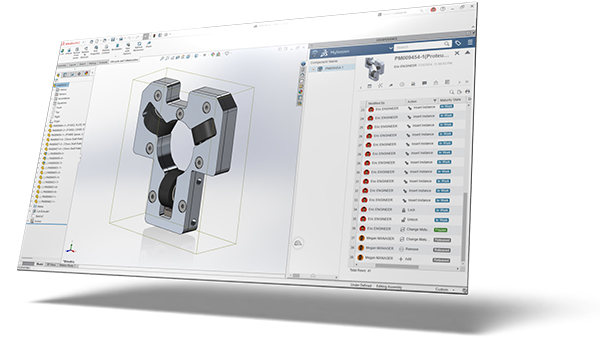
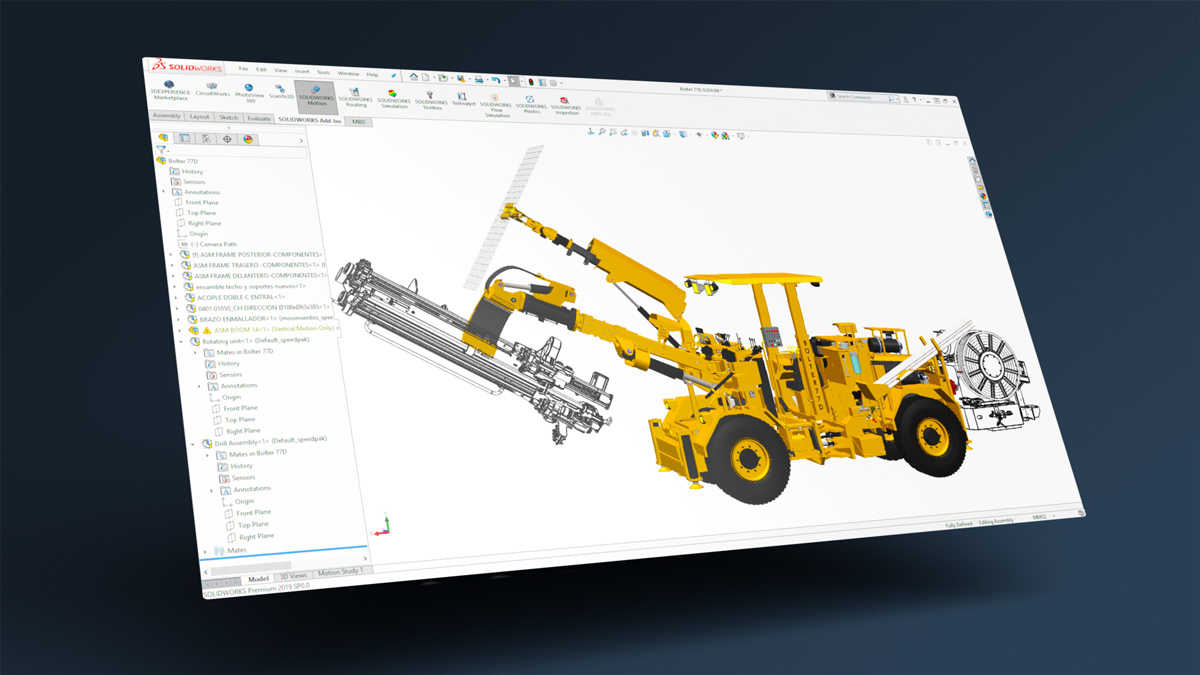
SOLIDWORKS 3D CAD
More than just a CAD tool, it is at the center of an entire ecosystem of design solutions, from analysis and data management to technical communication and CAM – it all starts here.
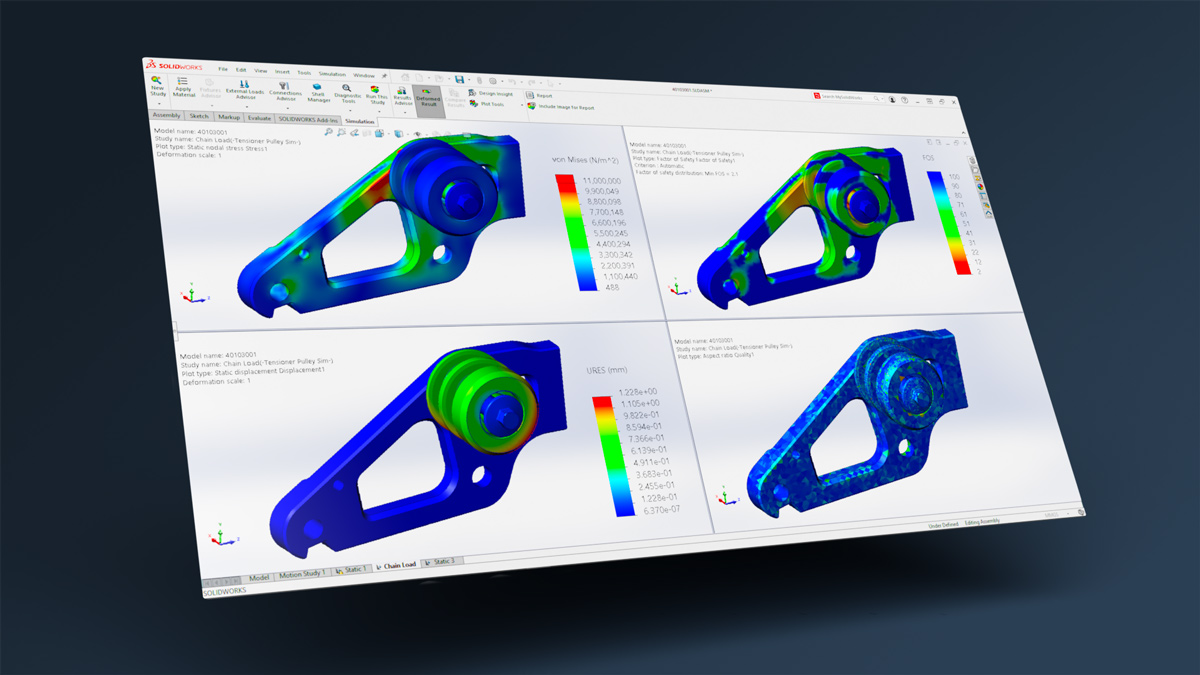
SOLIDWORKS Simulation
SOLIDWORKS Simulation allows you to test and analyze your designs against real-world conditions – at any point in your design phase – saving time and money on prototypes.
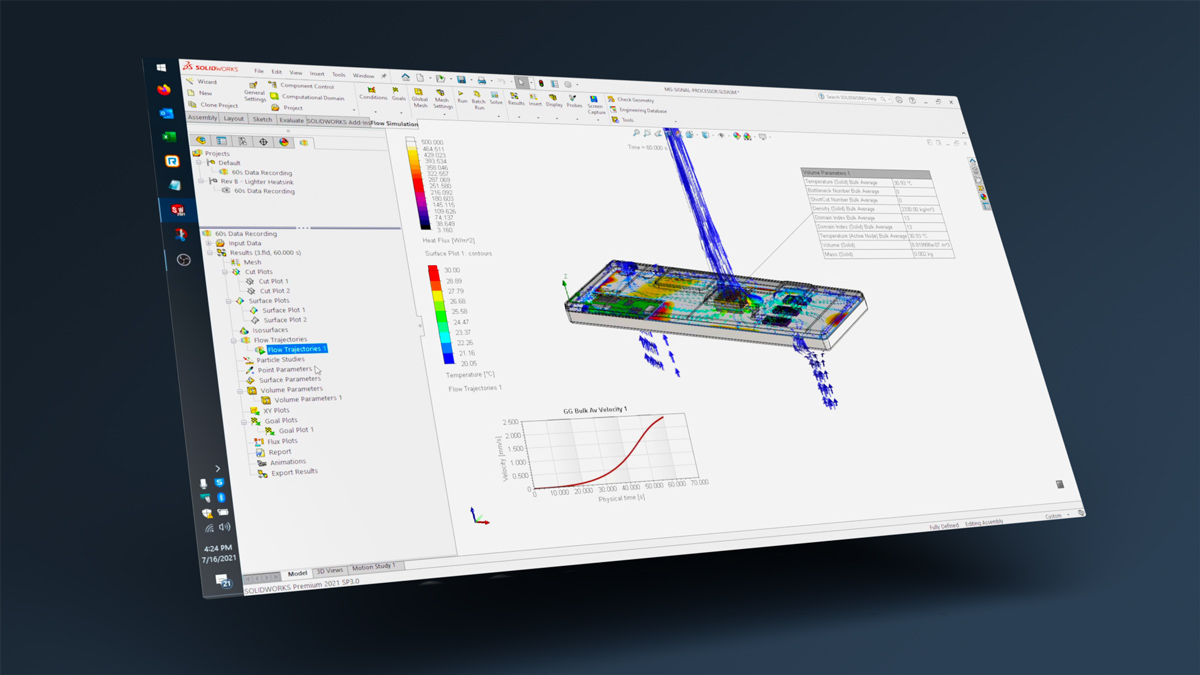
SOLIDWORKS Flow Simulation
SOLIDWORKS Flow Simulation allows you to design high-performing products by quickly testing the effects of the flow of air, liquids, and heat – at any time during your design phase.
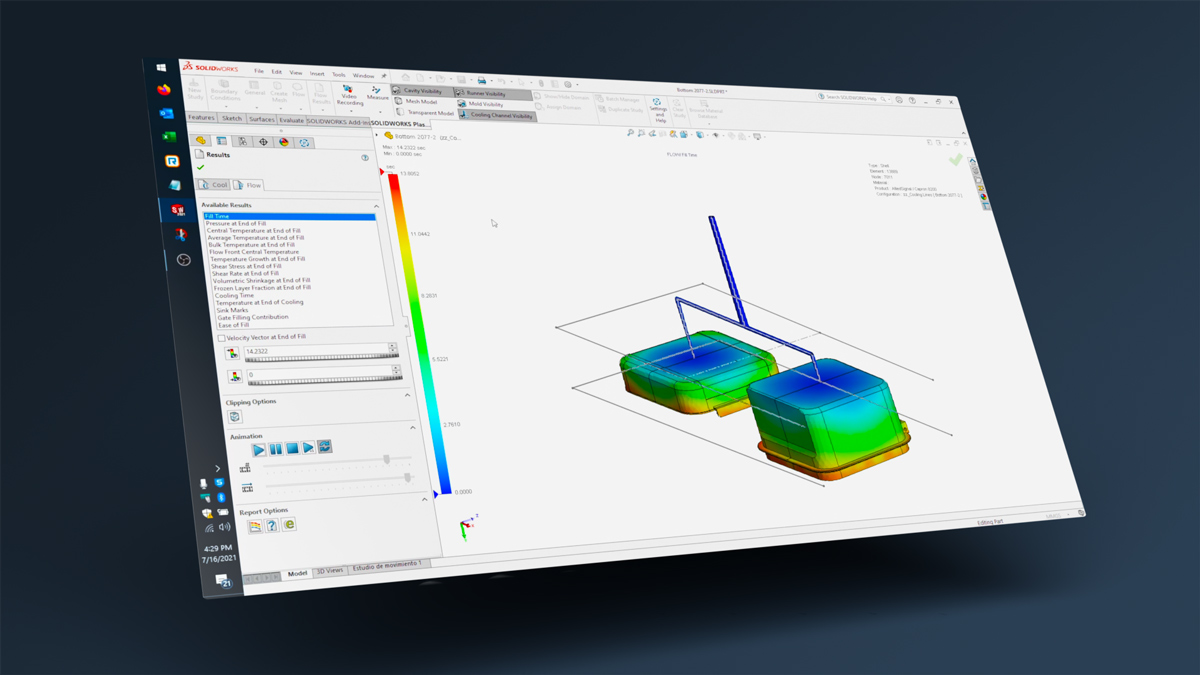
SOLIDWORKS Plastics
SOLIDWORKS Plastics makes it easy for companies that make plastic parts or injection molds to accurately predict part quality from the earliest stages of the design process.
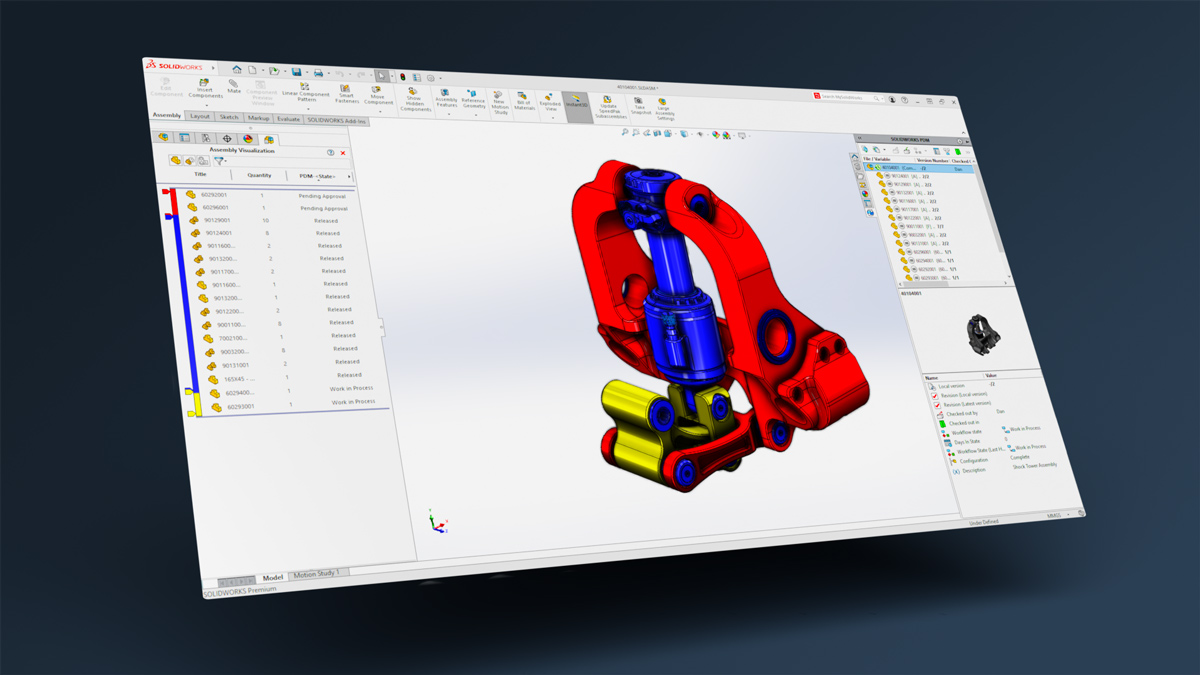
SOLIDWORKS PDM
Improves your workflows, transforms how you store and work with data, and protects your files and intellectual property. Its tools and capabilities include search, security, revision control, and automation.
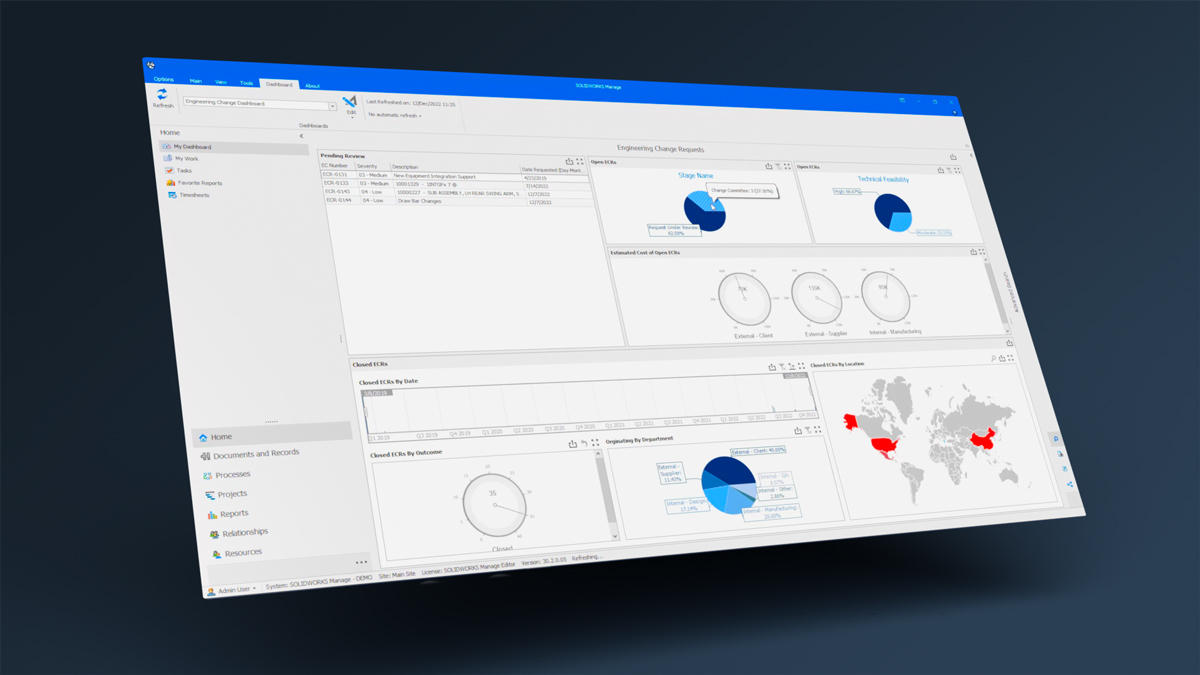
SOLIDWORKS Manage
SOLIDWORKS Manage is a PLM solution that offers robust project management, advanced item and BOM management, powerful process automation, and insightful business analytics.
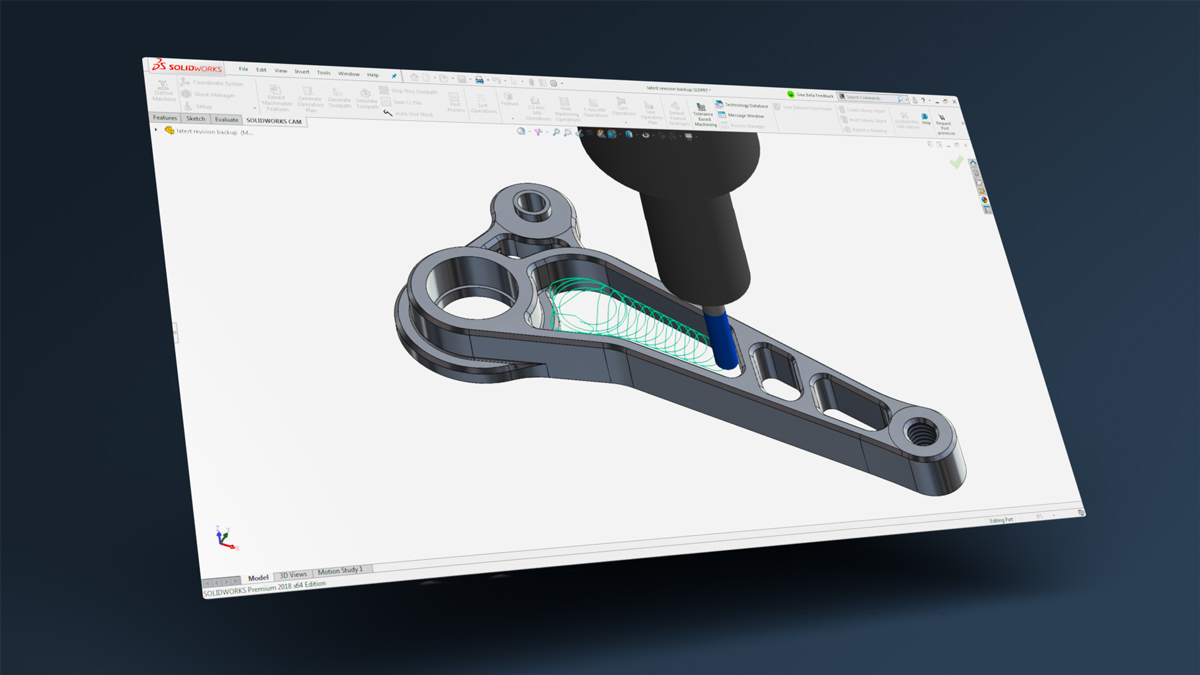
SOLIDWORKS CAM
Accelerate your CNC programming with powerful feature recognition and rules-based machining tools based on industry-standard CAMWorks technology, integrated into SOLIDWORKS.
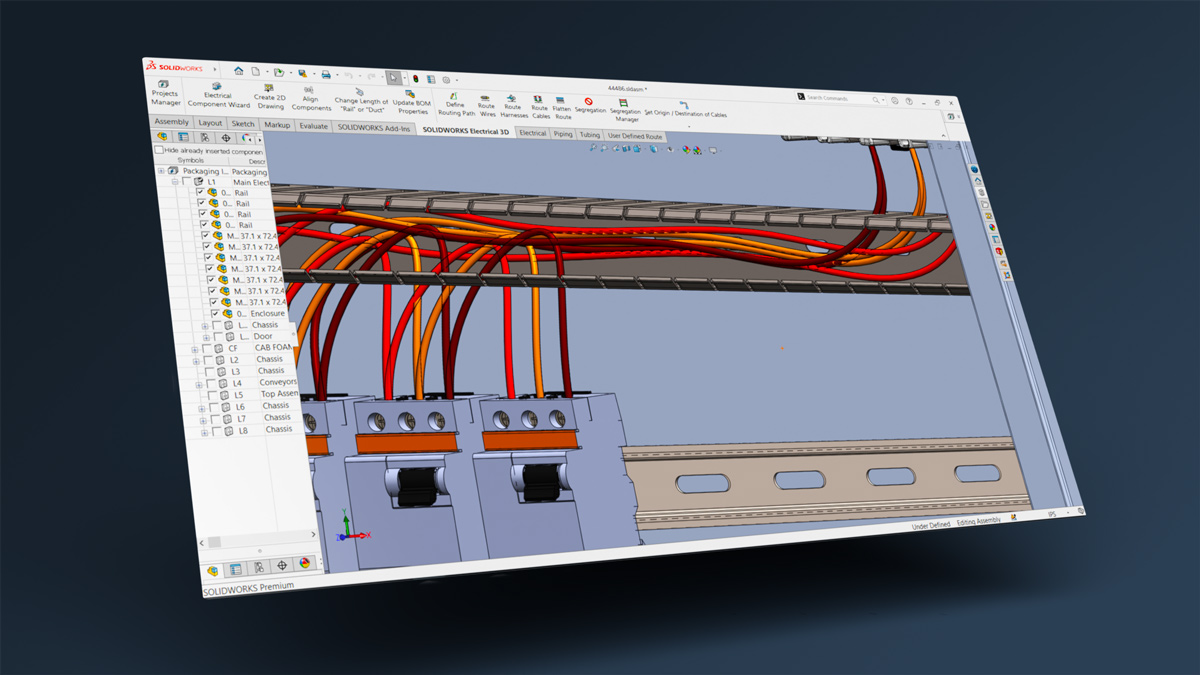
SOLIDWORKS Electrical 3D
SOLIDWORKS Electrical 3D lets you easily connect your 2D schematic to your 3D CAD model, syncing the two for easy collaboration. Simplify electrical design with SOLIDWORKS.
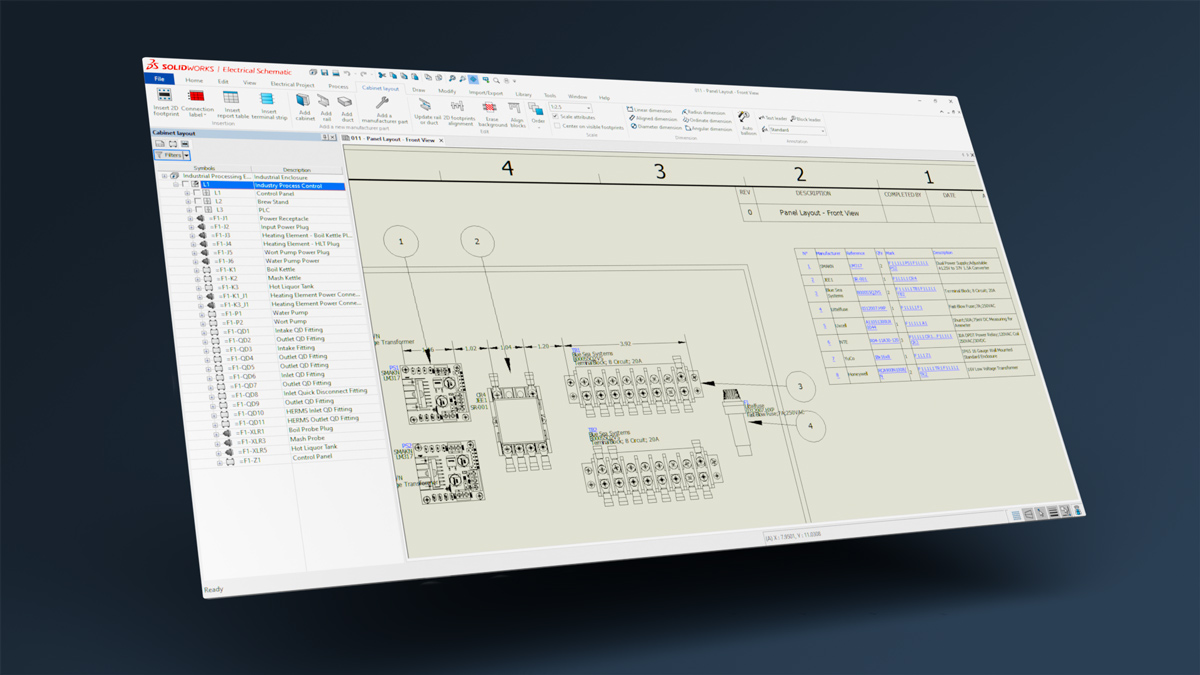
SOLIDWORKS Electrical Schematic
A powerful 2D electrical schematic design software that gives you the tools to collaborate better and automate tedious tasks associated with designing schematics.
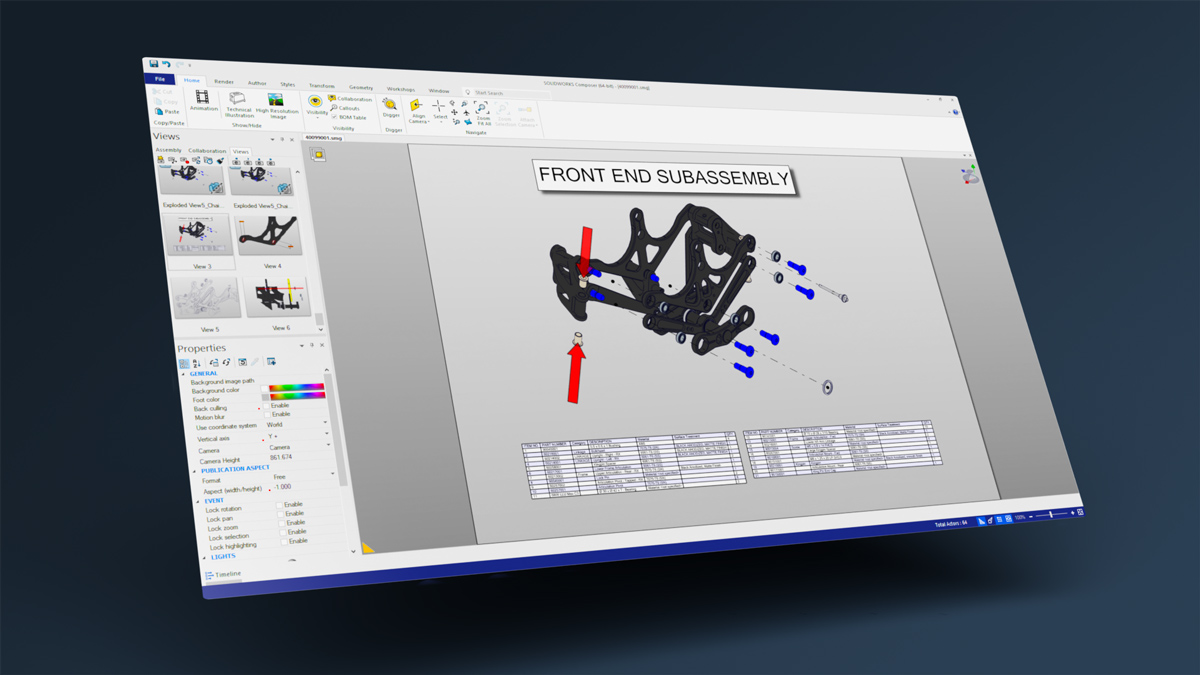
SOLIDWORKS Composer
SOLIDWORKS Composer allows you to easily repurpose your 3D CAD data to develop stunning assembly, operations, and maintenance publications, in parallel with your design process.
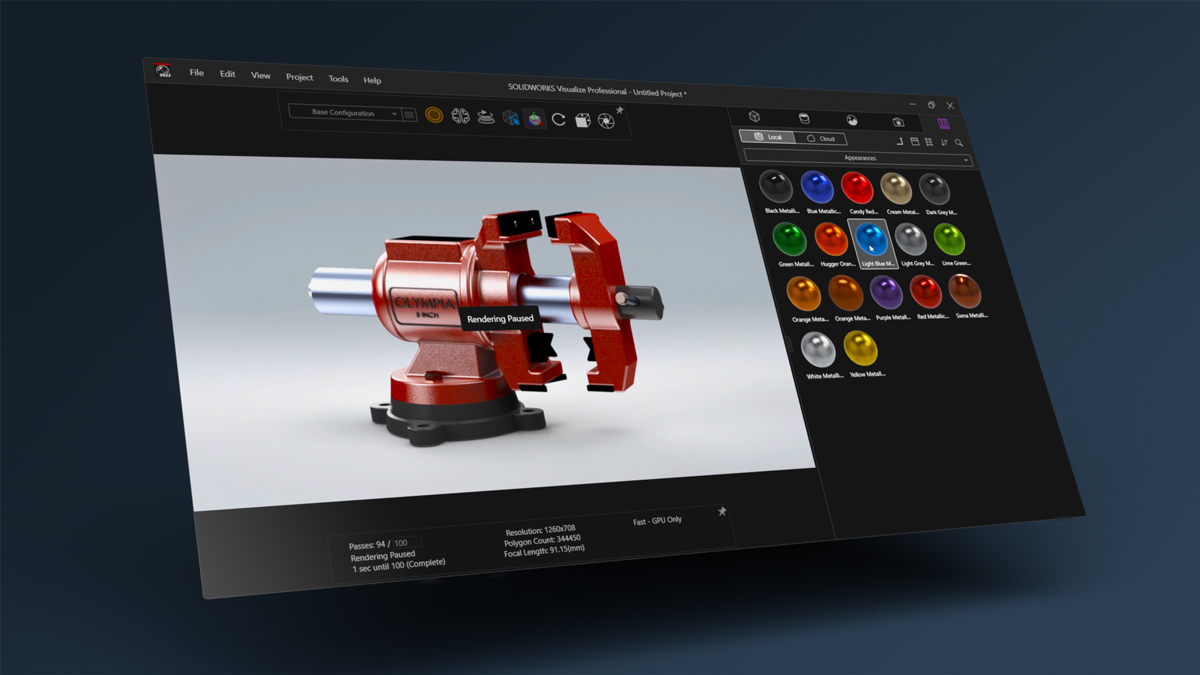
SOLIDWORKS Visualize
SOLIDWORKS Visualize easily creates life-like renderings, animations, and VR experiences from your CAD data to bring product designs to life.
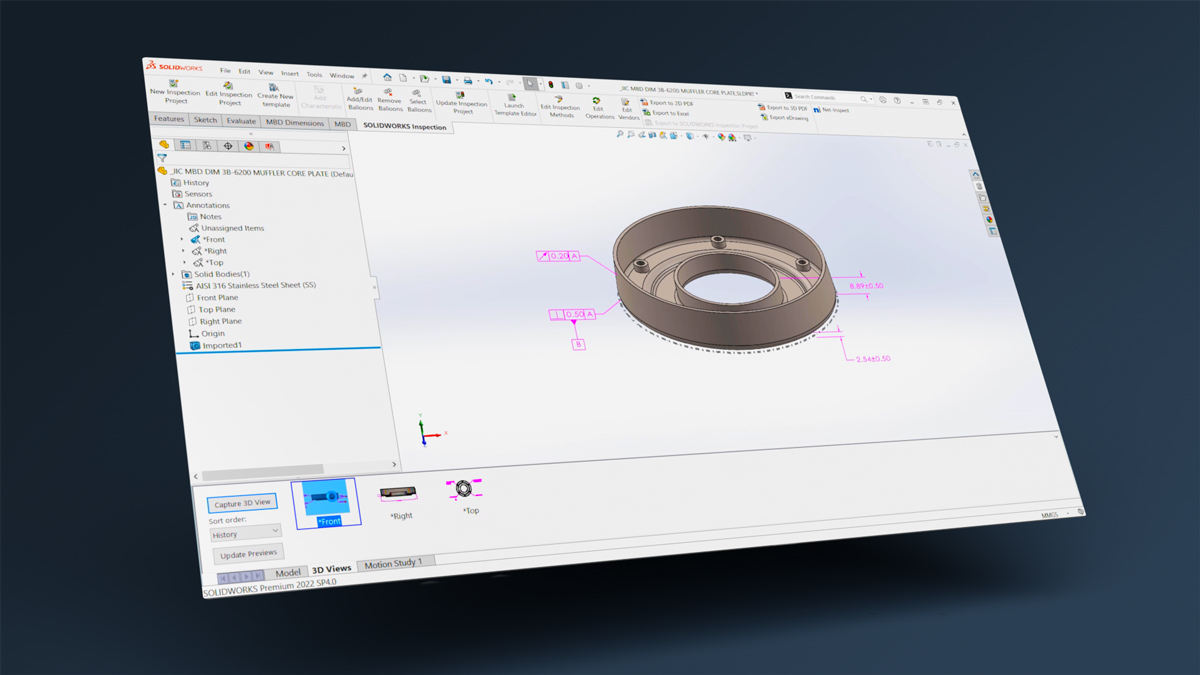
SOLIDWORKS MBD
Move your critical manufacturing information from 2D drawings to 3D parts and package it to be easily accessed downstream in the manufacturing process with SOLIDWORKS MBD.
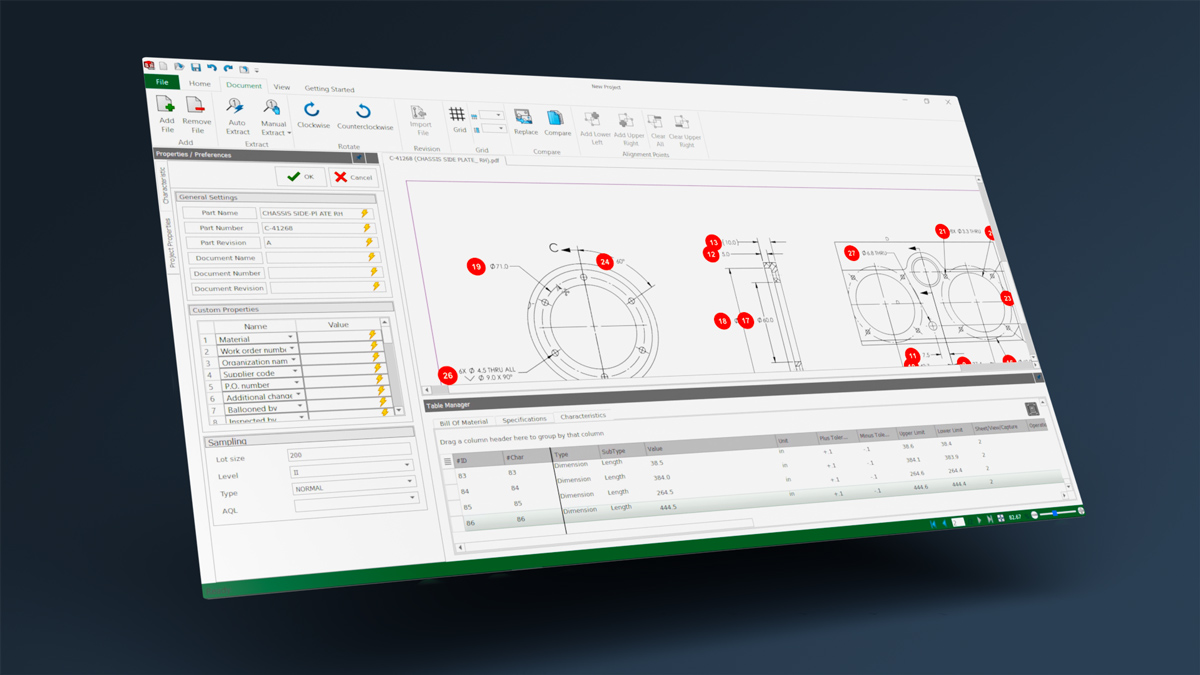
SOLIDWORKS Inspection
SOLIDWORKS Inspection will allow you to develop your industry-standard First Article Inspection reports and ballooned drawings up to 90% faster.
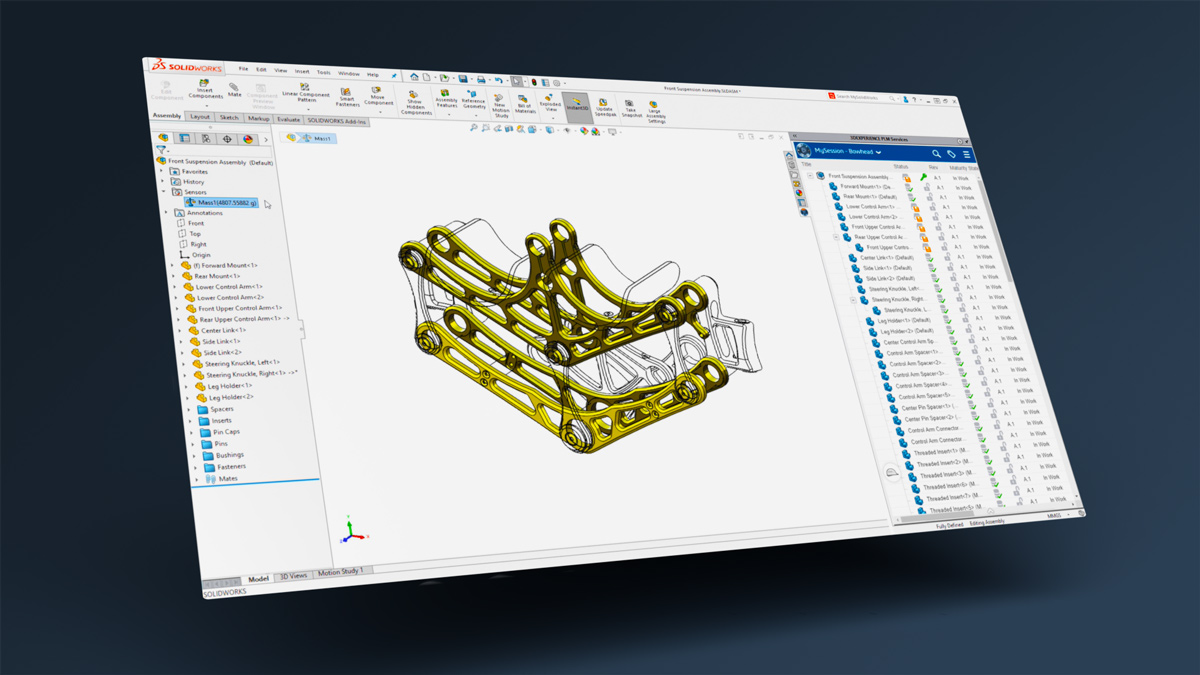
SOLIDWORKS Academic Solutions
Whether preparing students for careers through Education Edition’s curriculum and certifications, or advancing knowledge with Research Edition’s full capabilities for academic projects – get industry-standard tools at educational pricing with dedicated academic support.
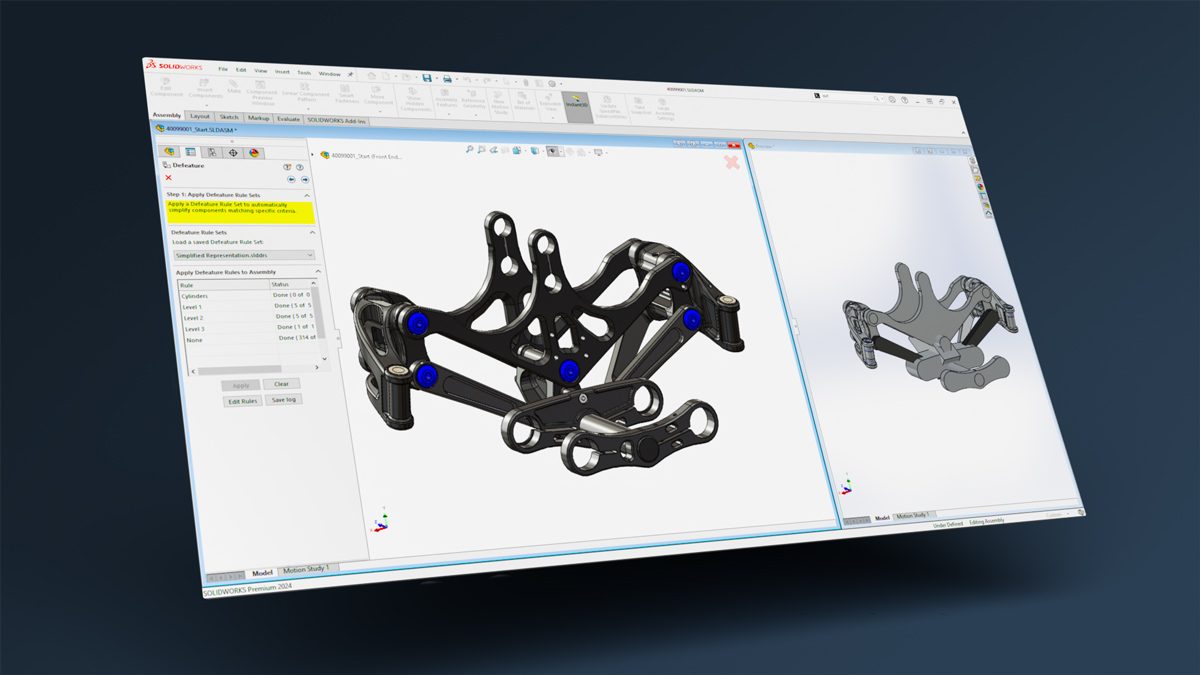
SOLIDWORKS for Startups
Qualifying hardware startups receive the complete SOLIDWORKS portfolio at no cost, plus expert support and co-marketing opportunities to accelerate your success.
Giving Mobility to Millions with SOLIDWORKS
SOLIDWORKS, the paramount design and engineering tool, evolved into a catalyst for a distinct form of accomplishment – one that extended well beyond individual success to profoundly impact the lives of those facing challenges.
Don Schoendorfer’s transition from an MIT-educated professional to the originator of a nonprofit reshaping lives through enhanced wheelchair accessibility stands as a testament to the profound influence of empathy and a readiness to embrace unexpected paths.
SOLIDWORKS Resources

The Best SOLIDWORKS Buying Guide for Your Money
Read Blog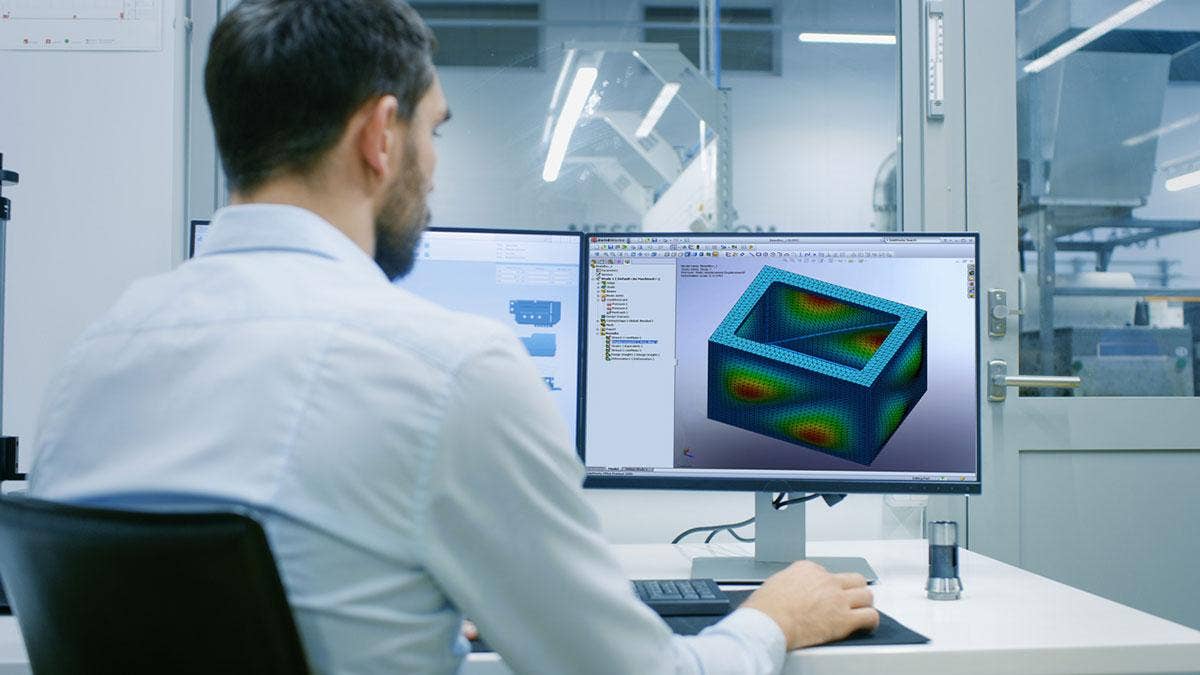
Quickly Predict Your Design’s Real-World Behaviors
Watch Video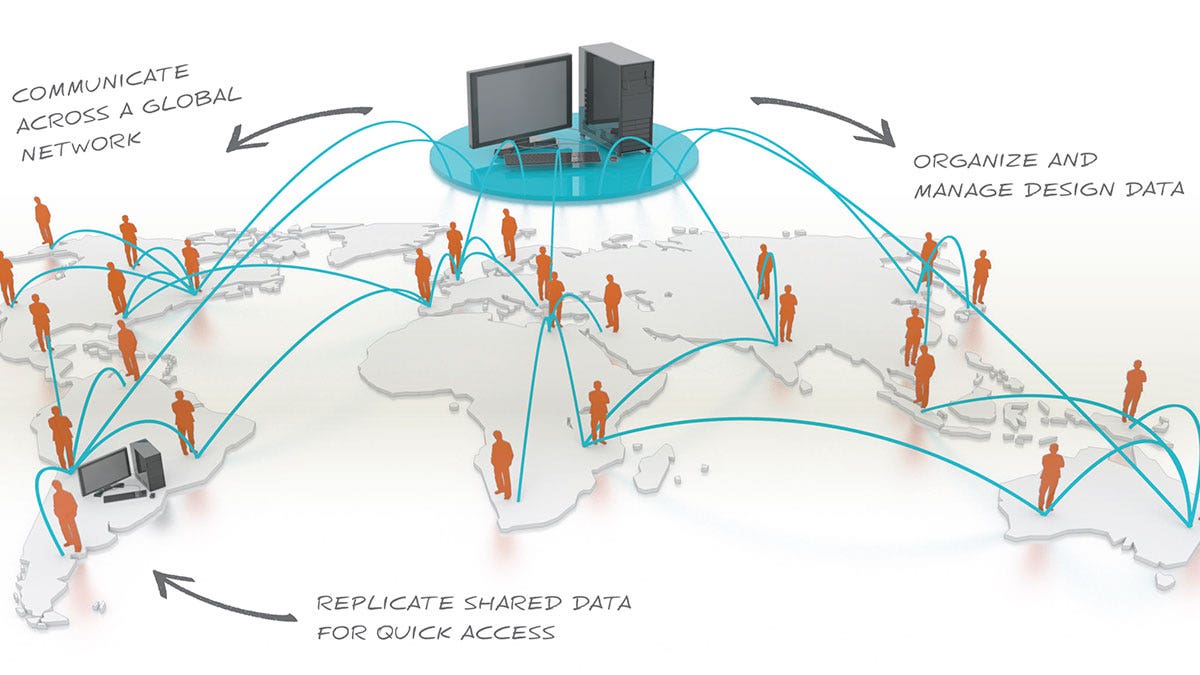
Your SOLIDWORKS Data, Stored Your Way
Watch Video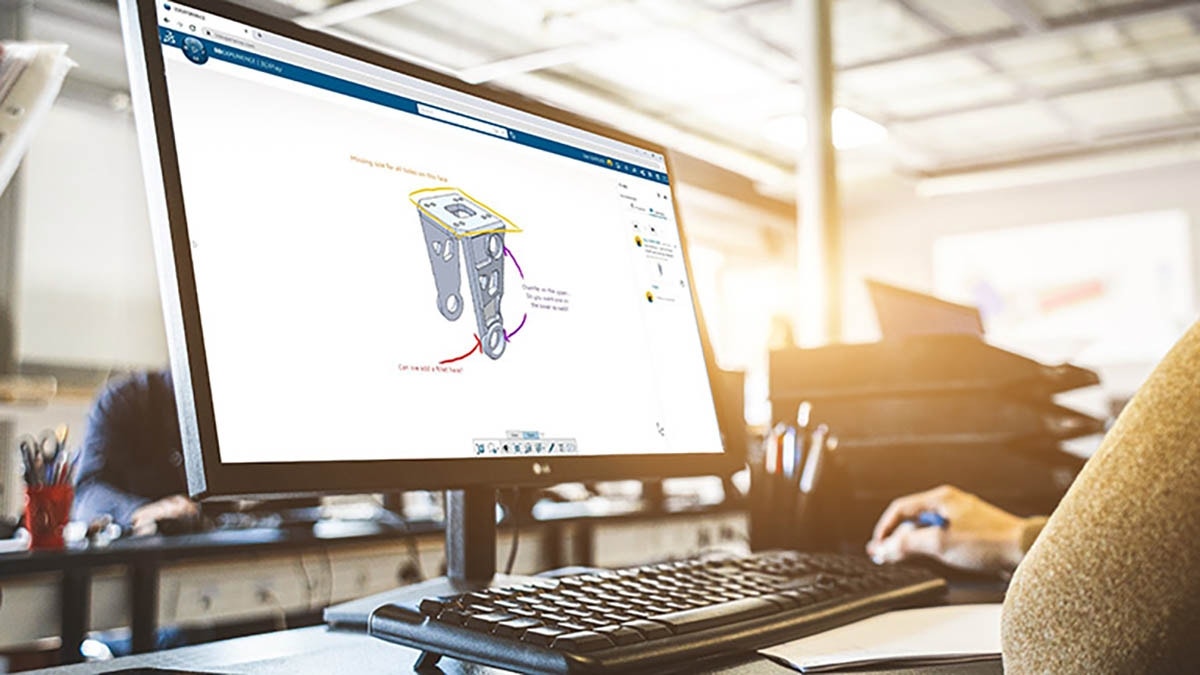
Get the Most Out of Your Solutions
Watch VideoFrequently Asked Questions
Hawk Ridge Systems has been supporting SOLIDWORKS customers for over 30 years across every industry, and we have one of the largest SOLIDWORKS technical teams in North America. When we say that we’ve been there, we really have seen almost any challenge you present. Our dedicated services team has helped thousands of customers implement and become truly successful with SOLIDWORKS solutions.
If you have any questions about any solution in the suite, reach out to us.
SOLIDWORKS solutions have been designed to be highly intuitive and easy to learn and while they feature powerful tools, most users pick up the software quickly.
We offer training for every learning style, so new users can become even more efficient and confident in their skills.
SOLIDWORKS desktop solutions run on Microsoft Windows, with optional connections to the cloud-based 3DEXPERIENCE platform from Dassault Systèmes.
If you need help setting it up, contact us.
Yes, you can get a free trial of the latest release of SOLIDWORKS 3D CAD Premium. We also have free trials for SOLIDWORKS Simulation, SOLIDWORKS MBD, SOLIDWORKS CAM, and SOLIDWORKS Visualize.
If you want to try other products, contact us.
Yes! SOLIDWORKS has term licenses, which gives you the flexibility to choose from either 3- or 12-month term contracts. This allows you to take advantage of lower upfront costs. Term licenses are a good solution if you hire interns or contract workers who will only need to use the software for a limited time.
You’ll also get the full subscription benefits, including technical support, included with term licenses. If you need to rent SOLIDWORKS, talk to us and we’ll get you set up.
SOLIDWORKS has two types of licenses:
- Term Licenses: you’re essentially renting the software for 3 or 12 months.
- Perpetual Licenses: you own the software and can add a subscription to keep the licenses up to date.
For perpetual licensing, there are three main options:
- Standalone Licenses: installed on a specific computer
- Online Licenses: tied to a particular user
- Network Licenses: float between different users and computers on a specific network
The SOLIDWORKS desktop suite is available for purchase in different packages, each designed to cater to different levels of design and engineering needs. These packages vary by the range of tools and functionalities they include, allowing users to select the solutions that best fit their project requirements. Each tier builds upon the previous, adding more advanced features and capabilities.
Additionally, our customers have the option to purchase individual add-ons or extensions to customize their setup.
Each package includes Cloud Services via the 3DEXPERIENCE platform, which offers complete cloud data management and connects SOLIDWORKS solutions to a broader range of future options and capabilities.
If you want to know more about the individual add-ons and extensions, contact us.
Yes, Cloud Services are included with all versions of SOLIDWORKS with an active subscription. This links SOLIDWORKS CAD to the 3DEXPERIENCE cloud platform.
This connection extends the capabilities of the desktop software to the cloud, enabling users to access a range of 3DEXPERIENCE apps. These cloud applications are fully compatible with SOLIDWORKS, enhancing its features with advanced data management, collaboration, and specialized tools. They seamlessly integrate SOLIDWORKS with the innovative potential of the cloud.
No, there is no version of SOLIDWORKS that runs directly in the cloud.
However, SOLIDWORKS xDesign delivers a comprehensive CAD solution that operates entirely within a browser for those seeking a fully cloud-based CAD solution. This solution provides complete CAD functionality with the added flexibility of being accessible from anywhere, on any device, supporting a broad range of design, engineering, and collaboration capabilities entirely online. It includes advanced tools for mechanical design, surfacing, and organic sub-d modeling, along with powerful simulation capabilities.
Additionally, it offers integrated data management and leverages advanced technologies, such as machine learning and design guidance, enabling the development of AI-enhanced solutions.
Importantly, these cloud-based CAD tools integrate seamlessly with all versions of SOLIDWORKS, expanding SOLIDWORKS capabilities and providing a more comprehensive design and engineering environment.
Services & Customer Benefits
Technical Support
Our technical support team is comprised of mechanical engineers, electrical engineers, and computing specialists who provide best-in-class on-call support and Ask-an-Expert sessions when you need it the most.
Unmatched Training
We are the largest SOLIDWORKS training provider in the world, offering both online and on-demand training so your team knows how to get the most out of SOLIDWORKS.
Professional Services
Subscription Support
Whether you are looking for on-demand SolidProfessor training, access to the latest software releases, exclusive resources and offers, or just need expert support, we have a subscription option for you.